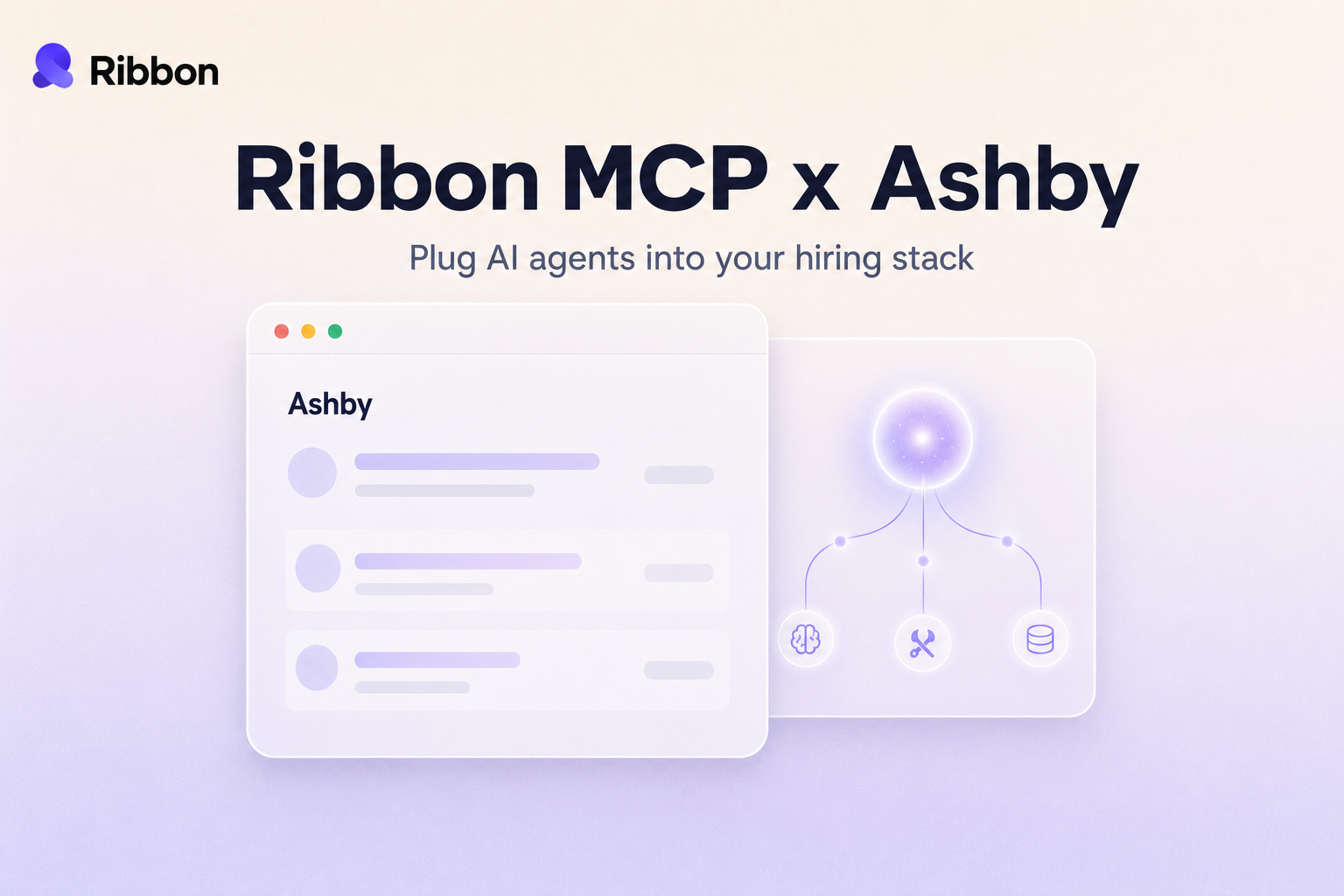
Ashby's strength is structure, and a generic AI integration usually flattens it. Ribbon MCP plugs an agent into Ashby's real model, candidates, applications, and interview plans, so the agent acts the way a careful recruiter would.
Lorem ipsum dolor sit amet, consectetur adipiscing elit, sed do eiusmod tempor incididunt ut labore et dolore magna aliqua. Ut enim ad minim veniam, quis nostrud exercitation ullamco laboris nisi ut aliquip ex ea commodo consequat. Duis aute irure dolor in reprehenderit in voluptate velit esse cillum dolore eu fugiat nulla pariatur.
Block quote
Ordered list
Unordered list
Bold text
Emphasis
Superscript
Subscript

If your team runs hiring on Ashby, you picked it for a reason. The data model is opinionated in a way that helps recruiters instead of getting in their way. Candidates and applications stay cleanly separated. Interview plans actually mean something, with real ordering and feedback forms wired to each stage. The approvals layer does not feel bolted on. That precision is also the reason most generic AI integrations land badly on Ashby. They flatten the structure into a vague "candidate moved stages" event, and you lose the thing that made Ashby worth migrating to.
Ribbon MCP is the shortcut. It is a connector that gives any AI agent live, structured access to your Ashby data, and lets the agent write results back without anyone wiring up a separate Ashby client. Plug it in once and Claude, ChatGPT, Cursor, or whatever agent your team is running can read your pipeline, score candidates, and update Ashby inside the same conversation.
MCP stands for Model Context Protocol. It is an open standard, introduced by Anthropic in late 2024, that lets AI models talk to outside systems through one consistent interface, the way USB lets any laptop talk to any printer. The agent does not need to know that your ATS is Ashby, or that the stage you call "Recruiter Screen" is one slot inside an interview plan attached to a specific job. It asks Ribbon in plain language and gets structured Ashby data back.
Ashby's strength is structure. The interview plan on a job is not a loose list of stages, it is a real workflow with ordering, owner roles, and feedback forms tied to each stage. Custom fields are typed. Approvals route through actual people.
That structure is what an AI agent should be using. When the agent moves a candidate forward, it should know which stage comes next on the plan and what feedback form the next interviewer is expected to fill out. When it writes a Ribbon result back, it should land somewhere recruiters can actually filter on, not in a free-text notes blob nobody reads. Ribbon's connector treats interview plans, stages, and feedback forms as first-class objects, so the agent's actions look like things a careful recruiter would do.
An ATS integration has two halves. What the AI can see, and what it can change. Ribbon covers both, scoped to whatever your Ashby permissions allow.
On the read side, the agent gets live access to:
On the write side, the agent can:
Authentication is a single API key, scoped to whatever permissions your admin grants. No proxy, no separate user account, no extra seat.
The point is not to demo MCP. It is to delete recruiting work that should never have been manual. A few of the workflows that show up most often once a team plugs Ribbon into Ashby:
1. End of week pipeline review. The agent reads every application that moved into "Recruiter Screen" in the last seven days, summarizes the cohort by source and seniority, and flags candidates sitting in the same stage for over ten days. The output is a Slack message your head of TA actually reads, not a dashboard nobody opens.
2. Auto-attach interview results. When a Ribbon AI screen finishes, the agent finds the right candidate and application in Ashby, attaches the score and summary as a structured note, uploads the transcript, and moves the application to the next stage if the score clears the bar your team set. The recruiter sees it on the same screen they already use.
3. Sourcing on real-time data. The agent looks at currently open jobs in Ashby, then drafts personalized outreach for candidates already in your database who match the role's must-haves. Because the read is live, it never pitches a candidate for a job that closed yesterday.
4. Stuck pipeline reports. Every Monday the agent pulls applications older than fourteen days in stages like "Take-Home" or "Onsite," cross references them with custom fields like priority or hiring manager, and emails the right person a per-job nudge. Ashby's reporting can find these. It cannot also draft and send the follow-ups.
5. Recruiter copilot. A recruiter pings the agent, "what is our pipeline for the Senior Backend role and which candidates are slowest to hear back," and gets a one-paragraph answer with names, current stages, days idle, and links straight back into Ashby.
Setup is short. An Ashby admin generates an API key with the relevant Jobs, Candidates, Applications, Interviews, and Files permissions, then pastes it into Ribbon's integrations page. From there the agent inherits whatever scope that key has, no more and no less. Ribbon does not maintain a separate copy of your Ashby data. Every read goes through Ashby on your behalf, every write is logged with the agent identity that triggered it, and your existing workflows keep working untouched.
If your team already uses Ribbon for AI screens, this is a one-time additive change. Otherwise, connect Ashby first and bring agents online afterward.
Does Ribbon need a separate Ashby seat? No. Ribbon authenticates with an API key, not a user license. The actions the agent takes show up in Ashby as API actions, attributable to the integration.
What stops the agent from moving the wrong application to the wrong stage? Stage transitions are name-matched against the actual stages on that job's interview plan, so an agent cannot move an application into a stage that does not exist on its plan. Write actions are also scoped behind explicit tools, so an agent reading data cannot accidentally mutate it.
How does this interact with Ashby's approvals and automations? Cleanly. When Ribbon moves an application, Ashby treats the change like any other stage transition, so any approval requirement or automation rule keyed off that stage fires normally. Ribbon works through Ashby's approval flows, not around them.
Can we restrict what the agent can write? Yes. The Ashby API key controls the ceiling. If you grant read-only permissions, every write tool fails closed and the agent can still answer pipeline questions.
What happens to feedback forms and scorecards? Ribbon writes a structured assessment record back as a note on the candidate, with a "Ribbon AI" identifier and a link to the full transcript and recording. It does not overwrite human feedback forms. The Ribbon assessment lives alongside them.
Does Ribbon support our custom fields? Yes. The agent reads candidate, job, and application custom fields by the name your admin gave them. If your team tracks "Visa Status" or "Compensation Floor," the agent can read them and condition decisions on them.
Ashby is the fourth ATS Ribbon ships a deep MCP integration for, after Workday, Greenhouse, and Lever. The same connector pattern is rolling out next to SmartRecruiters, Teamtailor, and a longer list after that. If you run Ashby and you have an agent that needs to actually do things inside your pipeline rather than talk about doing them, this is the path that skips the integration project. Reach out and we will get your tenant wired up this week.
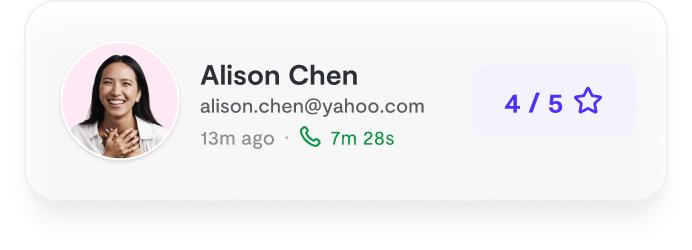
Natural-sounding AI interviews that candidates actually enjoy
Instant feedback and scoring for every candidate
24/7 availability. Never lose a candidate to scheduling delays

"Ribbon AI reduced our time-to-hire by 60% while improving candidate experience."
- Sarah M., Head of Talent
See why teams are switching to smarter hiring.
7-day free trial • Cancel anytime


