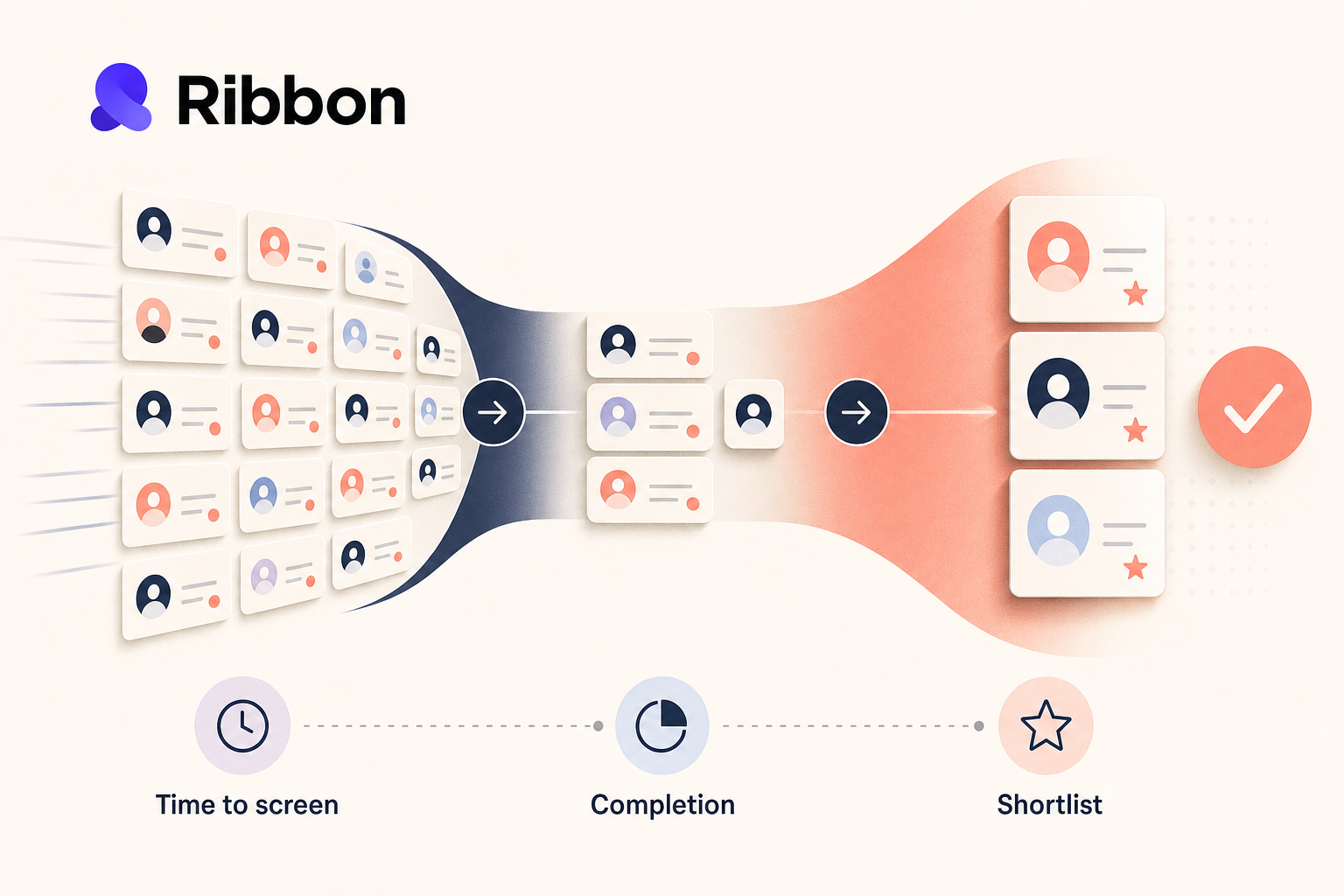
High-volume hiring pilots look better when teams measure the first-screen bottleneck, not just final hiring speed. This guide shows talent operators which metrics reveal real progress and which ones hide a prettier backlog.
Lorem ipsum dolor sit amet, consectetur adipiscing elit, sed do eiusmod tempor incididunt ut labore et dolore magna aliqua. Ut enim ad minim veniam, quis nostrud exercitation ullamco laboris nisi ut aliquip ex ea commodo consequat. Duis aute irure dolor in reprehenderit in voluptate velit esse cillum dolore eu fugiat nulla pariatur.
Block quote
Ordered list
Unordered list
Bold text
Emphasis
Superscript
Subscript
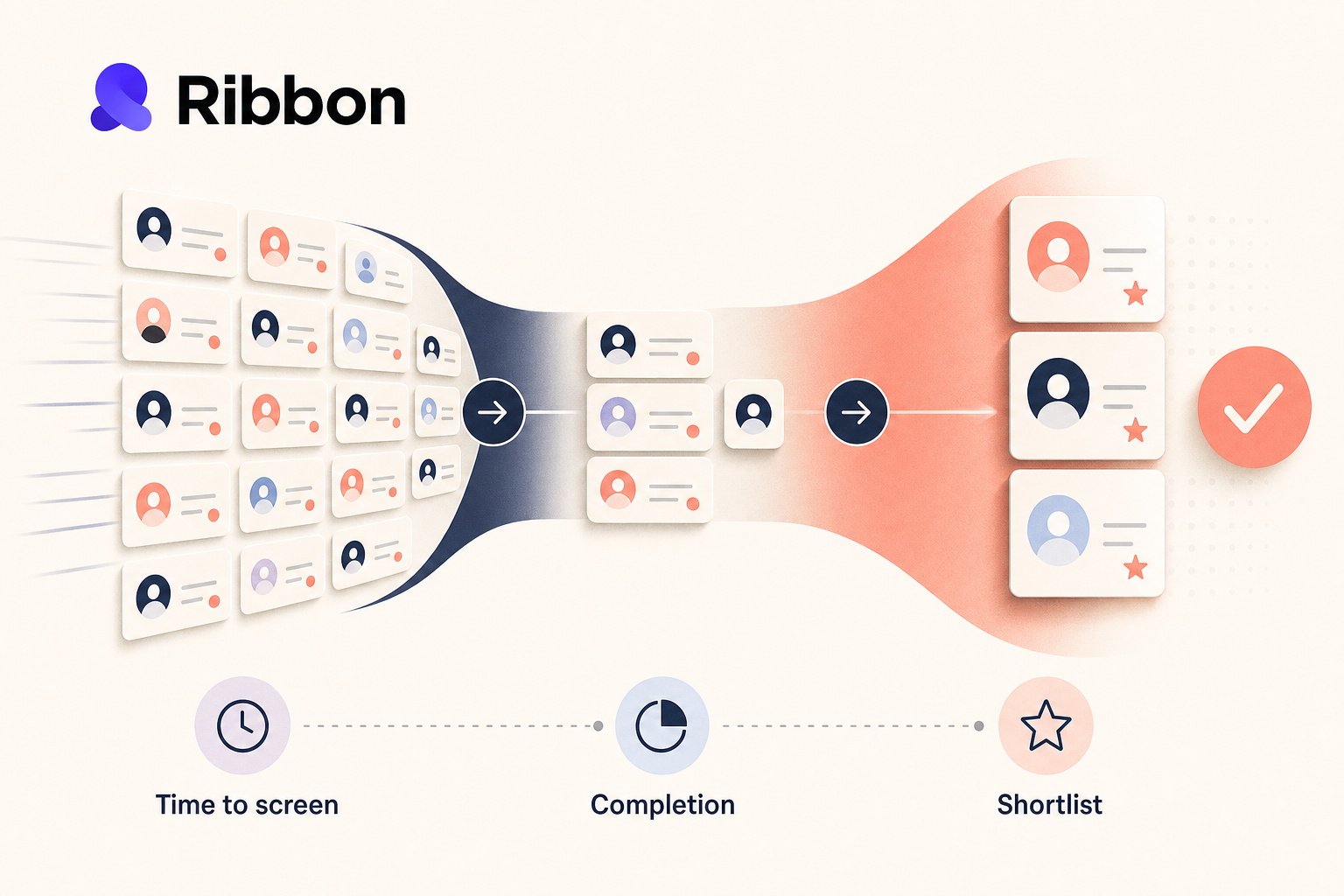
High-volume hiring teams do not lose the week in one dramatic moment. It leaks away in smaller, uglier ways: Monday morning backlog, store managers texting recruiters after hours, good candidates applying on Saturday and hearing nothing until Tuesday. By the time the team finally reviews first screens, the best people have already booked another interview.
That is why I would not start an AI screening pilot by asking whether it "works." In retail and hourly hiring, the better question is simpler: which metrics move first, and which ones actually matter?
If you are rolling out Ribbon for a high-volume team, I would track five things before I touch long-range metrics like time to hire. Start with the parts of the workflow that change immediately: screening speed, candidate completion, review quality, recruiter effort, and ATS handoff. Those tell you whether the pilot is helping or just creating a shinier backlog.
Time to hire is useful, but it is a lagging metric with too many moving parts. Hiring manager calendars, background checks, offer approval, and location staffing decisions all distort it. If you use it as your first scoreboard, you will wait too long to learn anything.
The first metric that usually changes in a Ribbon rollout is time to first completed screen. Measure the hours between application submitted and completed first interview. Break it out by weekday, weekend, role, and location. High-volume teams often find the biggest gap outside office hours, which is exactly where a 24/7 screening workflow should earn its keep.
Ribbon is built for that first-step bottleneck. The live site positions it around interviewing every applicant automatically, around the clock, at any volume. That does not guarantee a business result on its own, but it does give you a clean before-and-after measurement point. If the backlog used to sit untouched until a recruiter clocked in, you should see that change fast.
A practical target is not "hire faster." It is "reduce application-to-screen delay for the roles that usually stall first." That is a metric an operations lead can defend.
Fast outreach means nothing if candidates never finish the interview. In hourly hiring, completion is where a lot of pilots quietly break.
Track at least three numbers together:
This is where channel and workflow design matter more than generic "engagement" talk. Ribbon's public product pages emphasize omnichannel outreach and candidate access on the devices they already use. In the app, teams can also control details like phone collection, candidate consent, and whether a desktop device is required. Those settings are not just compliance or UX details. They change completion behavior, so treat them like experiment variables.
If one role has a much lower completion rate after you turn on a desktop requirement, that is not background noise. It may mean the workflow is mismatched to the audience. In high-volume retail, that kind of mismatch shows up quickly.
A pilot can look efficient while getting worse at selection. That is the classic trap. More completed screens, more recruiter activity, more dashboard motion, and still no better shortlist.
The fix is to pair speed metrics with quality checks that a hiring team can review manually. Ribbon gives teams more than a raw transcript: interview summaries, question-level summary points, downloadable candidate summaries, and the full transcript when someone needs to dig deeper. That makes it possible to run a real review sample instead of arguing from instinct.
I would track two quality metrics from day one:
Then add a lightweight audit. Each week, pull a sample of candidates across pass, borderline, and decline outcomes. Review the summary, score, and transcript against the original role requirements. If the team cannot explain why someone advanced, your throughput number is flattering you.
Most automation ROI models get fuzzy because they count "hours saved" in the abstract. Do not do that. Count time where the old workflow used to drag: opening the role, checking whether the candidate finished, reading the screen, updating the ATS, and deciding who deserves manager review.
Ribbon's current product surface gives you a few concrete handoff points to measure. Teams can connect their ATS, sync candidates, stages, and jobs, and import open roles into Ribbon. On the MCP side, Ribbon is now available in the ChatGPT app directory and through Claude, where the current access is read-only. Once connected, the AI can read jobs, applications, candidates, interviews, offers, and ATS users. That matters because ops teams can inspect pipeline state from the tools they already use without giving an assistant permission to change the ATS.
For a high-volume pilot, I would time three tasks before and after rollout:
Those are operational minutes. They add up faster than broad ROI models, and the team will trust them more.
If your dashboard needs a meeting to explain it, it is too complicated. High-volume teams need a scoreboard that can be read in under two minutes.
I would keep the first version to these fields:
Then segment the view by role family, location, and source. A retail team hiring cashiers in one market may behave nothing like a warehouse hiring team in another. If you average everything together, the outliers that need attention disappear.
This is also where I would keep the human review signal visible. Ribbon's consent controls, transcript access, and downloadable summaries are useful because they make the process inspectable. Your dashboard should reflect that by tracking how often recruiters or managers review the underlying interview evidence before advancing a candidate.
Not every AI recruiting product gives operators the same level of visibility. Some promise a magical score and hide the trail. Ribbon is more useful when you treat it like an auditable workflow layer.
Today, that means a few practical things:
That last point is worth being plain about. Read-only access is a feature, not a weakness, when a team is still learning how it wants AI involved.
Baseline time to first completed screen. It moves quickly, it is easy to explain, and it ties directly to the first pain most high-volume teams feel.
Eventually, yes. At the start, no. Use earlier workflow metrics first so you can see progress without waiting for the full hiring cycle to finish.
Long enough to capture normal weekday volume plus at least one weekend cycle if the role receives weekend applicants. For many hourly teams, that means a few weeks, not a few days.
Check invite timing, role fit, required device settings, and consent flow before you blame the whole concept. High-volume workflows are sensitive to small UX decisions.
Require a manual review sample. Look at summaries and transcripts for a spread of outcomes, not just the candidates who scored well. That keeps the team honest.
If I were running this pilot for a retail talent team, I would want the week-one answer to be boring and concrete: screens are happening faster, completion is holding up, recruiters are spending less time in the same repetitive step, and managers trust the shortlist. That is enough to earn the next phase.
For teams mapping that rollout now, Ribbon's ATS integrations and the broader product workflow are the right places to start before you build the dashboard around them.
Natural-sounding AI interviews that candidates actually enjoy
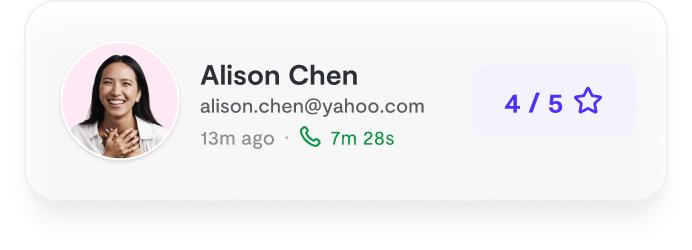
Instant feedback and scoring for every candidate
24/7 availability. Never lose a candidate to scheduling delays

"Ribbon AI reduced our time-to-hire by 60% while improving candidate experience."
- Sarah M., Head of Talent
See why teams are switching to smarter hiring.
7-day free trial • Cancel anytime


