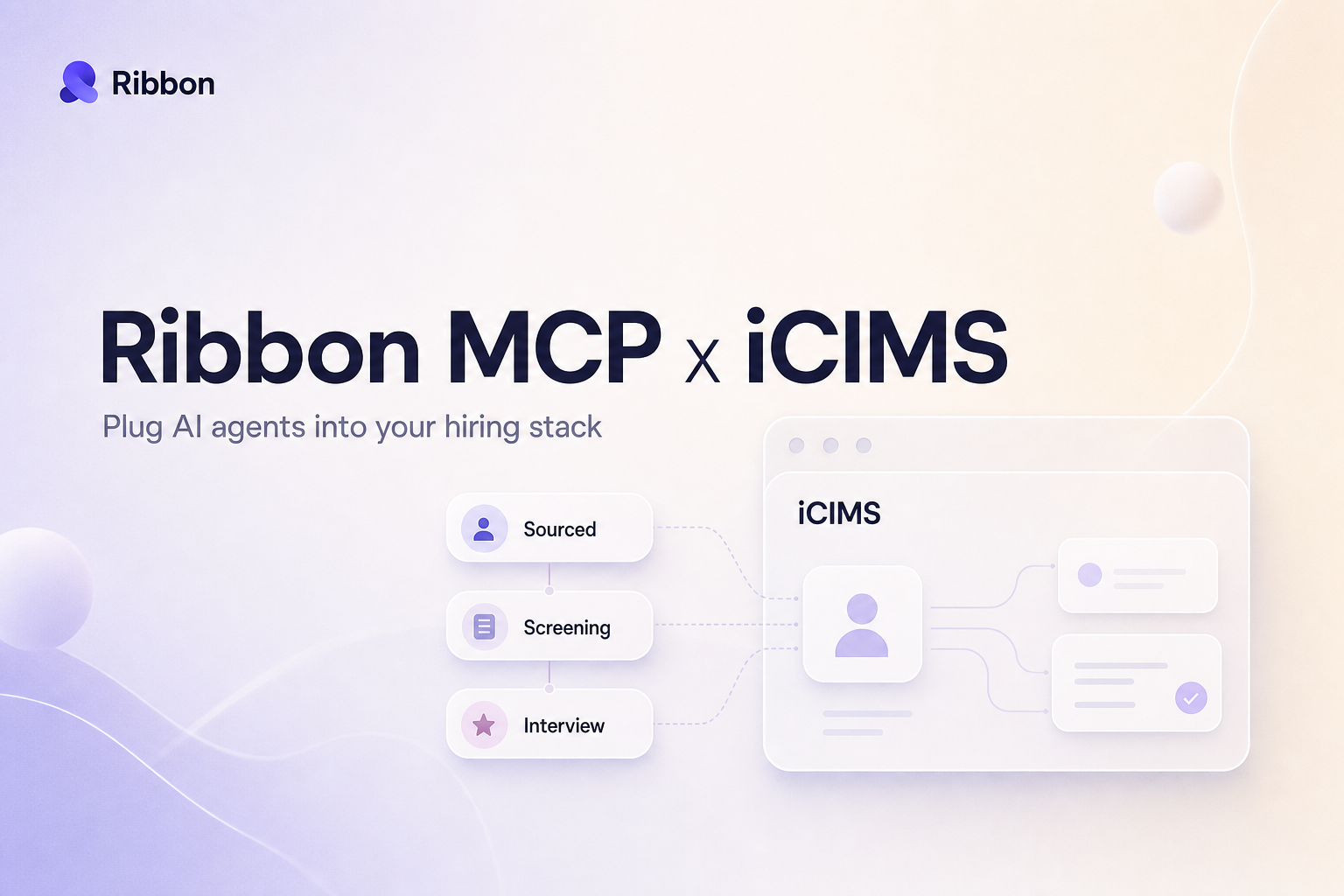
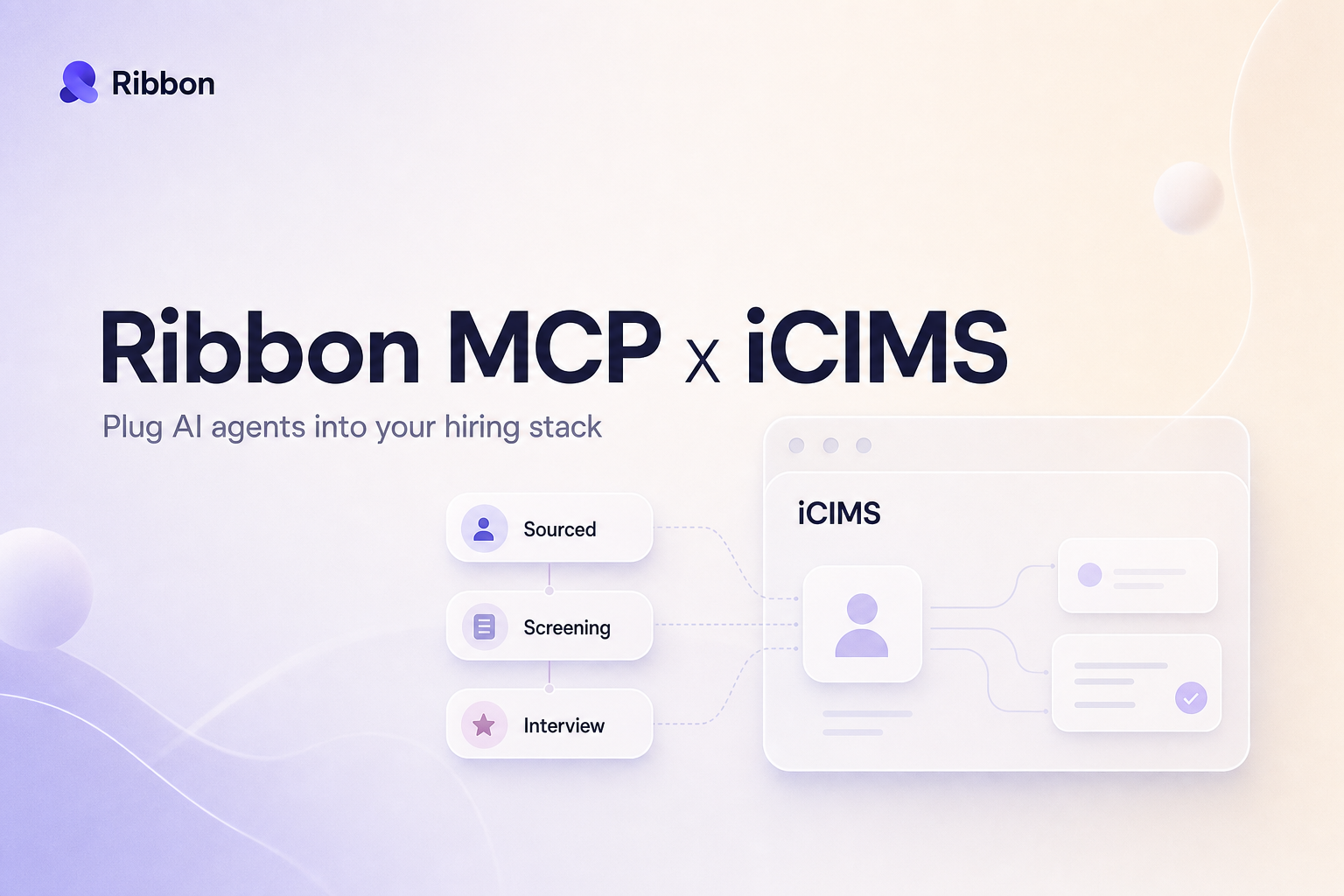
iCIMS runs hiring for a lot of large, structured talent teams, but pointing an AI agent at your pipeline usually means a custom build. Ribbon MCP gives any agent live, structured access to your requisitions, candidates, and applications, and lets it write interview results back. No integration code on your side.
Lorem ipsum dolor sit amet, consectetur adipiscing elit, sed do eiusmod tempor incididunt ut labore et dolore magna aliqua. Ut enim ad minim veniam, quis nostrud exercitation ullamco laboris nisi ut aliquip ex ea commodo consequat. Duis aute irure dolor in reprehenderit in voluptate velit esse cillum dolore eu fugiat nulla pariatur.
Block quote
Ordered list
Unordered list
Bold text
Emphasis
Superscript
Subscript
If your team runs hiring in iCIMS, the platform itself is rarely the bottleneck. The friction shows up around it. Finding every candidate sitting in the right bin for a requisition without exporting a report. Figuring out which workflow status a candidate is actually in when one recruiter calls it "Phone Screen" and another calls it "Initial Interview." Writing an interview result back onto the right application without overwriting what the coordinator already entered. None of that is hard by itself. Together it eats a recruiter's afternoon.
iCIMS is the system of record for a lot of large, structured talent teams, and those teams genuinely live inside it. So when one of them tries to point an AI agent at their pipeline, the agent is almost never the problem. The connection is. Ribbon MCP is how you skip that part. It is a connector that gives any AI agent live, structured access to your iCIMS data and lets that agent write results back, with no integration code on your side. Set it up once, and Claude, ChatGPT, Cursor, or whatever agent your team has standardized on can read your requisitions, screen candidates, and update iCIMS inside a single conversation.
MCP stands for Model Context Protocol, an open standard introduced by Anthropic in late 2024 that lets AI models talk to outside systems through one consistent interface. Think of it as a universal adapter. Any agent that speaks MCP can use any tool an MCP connector publishes, with no custom glue in between. For iCIMS, that means the agent does not need to know how your authentication tokens get refreshed, that an application is the link between a candidate and a requisition, or that your "Offer Extended" status lives at a specific point in one team's workflow. It asks Ribbon in plain language and gets structured iCIMS data back.
iCIMS has a clear opinion about how recruiting works. A candidate is a person in the system. An application connects that person to a specific requisition. The requisition carries the full role, and each one moves through a workflow built from bins and statuses that your team configured. Profiles control which fields are visible and editable at each step. That structure is exactly why iCIMS fits enterprise talent teams with real process and real compliance requirements.
It is also why a generic AI integration usually struggles. Every iCIMS instance is configured differently. Different bins, different custom fields, different rules about when a candidate has really cleared a stage. An agent that does not understand that structure either reads the wrong thing or writes into the wrong place. Ribbon meets iCIMS where it is. The connector reads requisitions, candidates, and applications the way iCIMS models them, respects your workflow statuses, and maps your stage names to what the agent is trying to do.
There are two sides to this, and the split matters.
The read side. The agent can see your open requisitions, the candidates attached to them, where each application sits in the workflow, scheduled interviews, and the offers in flight. It reads custom fields too, so if your team tracks a "Hiring Manager Priority" flag or a source field, the agent sees it the way your recruiters do. Everything is scoped to your iCIMS instance, and the read side is the default. An agent can be useful on day one without ever writing a thing.
The write side. When you want the agent to act, it can move an application from one workflow status to the next, write an interview score and summary back onto the application, and leave structured notes where the next person will actually see them. Ribbon matches candidates by email, the same way iCIMS does, so a write lands on the existing record instead of creating a duplicate. You decide how much write access to turn on. Plenty of teams start read-only, watch it for a week, then enable the writes they trust.
A few concrete examples, written the way you would actually ask:
The high-level version is short. Ribbon authenticates against your iCIMS instance with credentials your admin controls. You tell Ribbon which workflow statuses map to the moments that matter, like the stage an application should land in once a Ribbon interview is complete. Then you point your agent at the connector. From that moment the agent can read your pipeline, and it can write to the stages and fields you have enabled. There is no integration project, no custom code on your side, and nothing for your engineering team to maintain. If your iCIMS configuration changes later, you adjust the mapping, not a codebase.
Will this work with our existing bins and workflow statuses? Yes. Ribbon reads your configured workflow rather than imposing its own. You map your real stage names to what the agent should do, so a status one team calls "Phone Screen" and another calls "Initial Interview" both resolve correctly.
What can the AI write back, and where does it show up? Interview scores, a short summary, a status change, and structured notes. They land on the candidate's application and surface in the profile your recruiters and hiring managers already look at. Nothing shows up in a separate tool.
Do we need engineering to set this up? No. There is no integration code to write or maintain. The connector handles authentication and the mapping between your iCIMS workflow and what the agent is asking for.
How is our candidate data protected? Access is scoped to your iCIMS instance, and the connection is read-only until you choose to enable writes. You control which statuses and fields the agent can touch, so the agent can never push a candidate past a stage you did not approve.
What happens if a candidate already exists in iCIMS? Ribbon matches on email, the same key iCIMS uses, so a write updates the existing record instead of creating a duplicate. If a candidate has applications across several requisitions, the agent acts on the right one.
Which AI agents does this work with? Any agent that speaks MCP. That includes Claude, ChatGPT, and Cursor today, plus whatever your team adopts next. You connect iCIMS once and every MCP-aware agent can use it.
The read side is live now, and it is the right place to start. Point an agent at your iCIMS pipeline and let it answer the questions that currently mean running a report or clicking through twenty applications. Once your team trusts what it sees, turn on the writes, one workflow status at a time, until the agent is doing the stage moves and score updates that used to fill the gaps between real recruiting work. The pipeline stays in iCIMS, where your team already works. The agent just stops making you do the parts a machine should have been doing all along.
Natural-sounding AI interviews that candidates actually enjoy
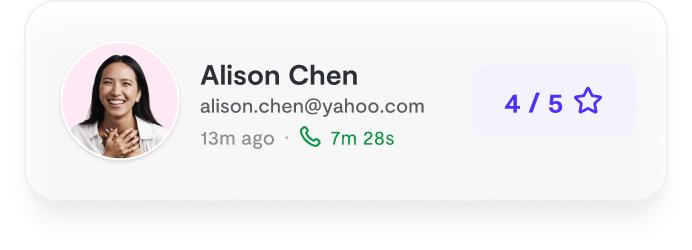
Instant feedback and scoring for every candidate
24/7 availability. Never lose a candidate to scheduling delays

"Ribbon AI reduced our time-to-hire by 60% while improving candidate experience."
- Sarah M., Head of Talent
See why teams are switching to smarter hiring.
7-day free trial • Cancel anytime


